
Client Portal
The AllCoach client portal — how clients log in, view programs, complete activities, and book sessions from your WordPress site.
Last updated on May 19, 2026
Client Portal
The client portal is the frontend area of your WordPress site where clients log in to access their programs, complete activities, and book sessions.
The Portal Page
The portal is powered by the [allcoach_account] shortcode on the My Account page, which AllCoach creates automatically when the plugin is activated. No setup is needed.
What Clients See
Dashboard
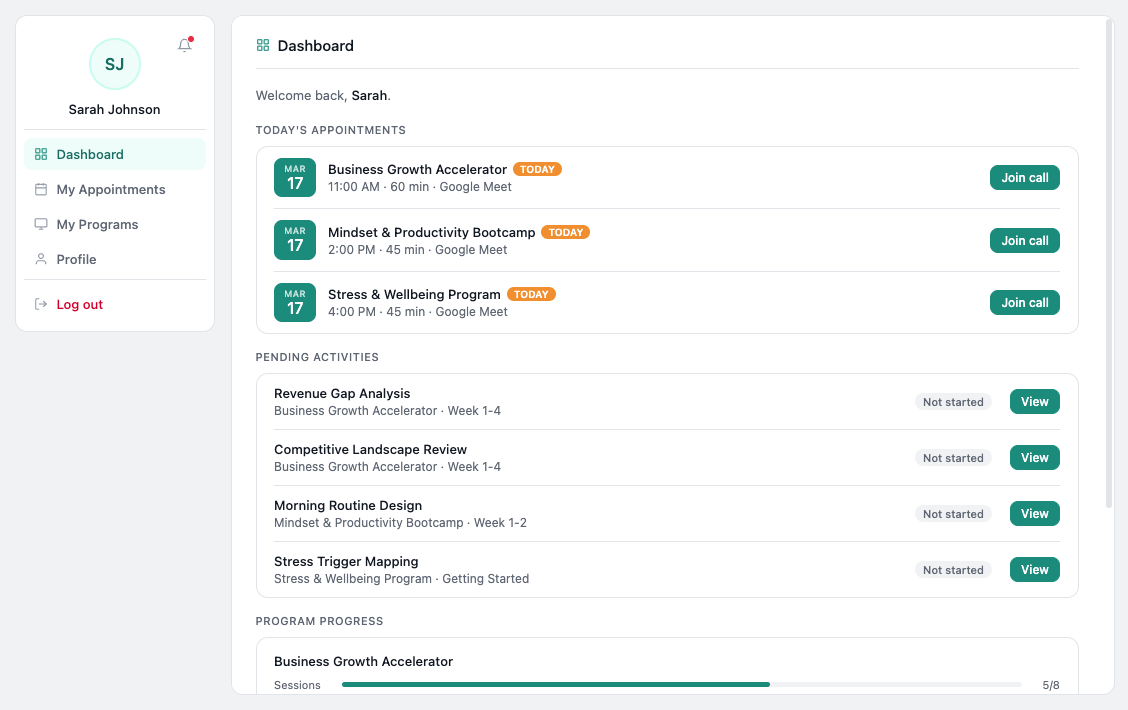
After logging in, clients land on their dashboard showing all their enrolled programs
Program View
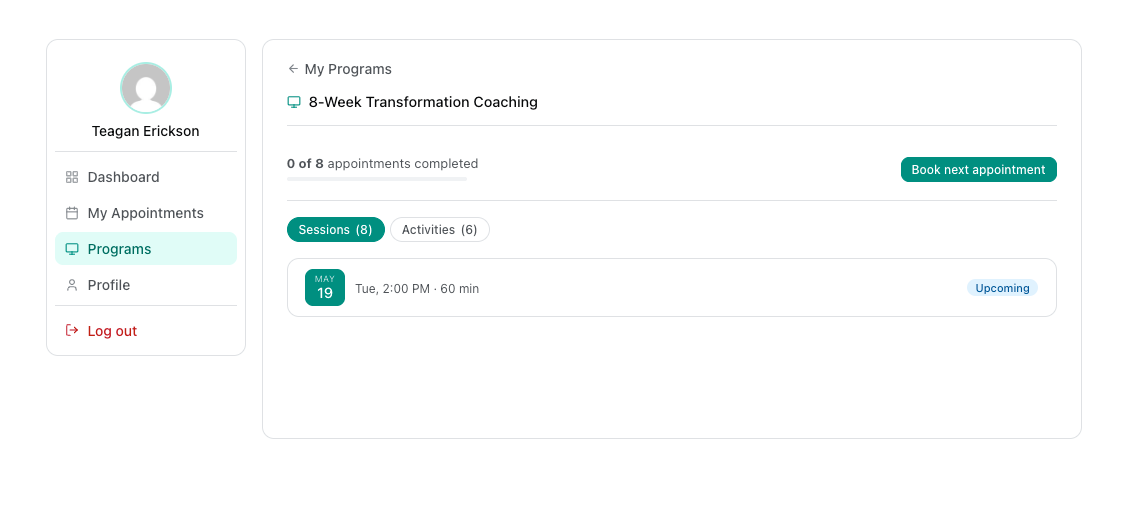
Clicking a program opens the program detail view showing:
Program title and description
All sections and activities, grouped by week
Completion status for each activity (completed or not)
A progress bar showing overall completion percentage
Activity View
Clicking an activity opens it full screen. Clients fill in all the fields and click Submit.
Require fields must be completed before submitting
Once submitted, the activity is marked complete and fields become read-only
Clients can return to review their answers any time
Appointments
The Appointments tab shows:
Upcoming booked sessions (date, time, Google Meet link)
Past appointments
A button to book a new session (if slots are available)
Client Login
Clients log in using the standard WordPress login page. If a client forgets their password, they can reset it via the standard WordPress password reset flow.